01 / Opportunity — find something worth investigating.
Read the scope, programme, dates, organisers and participation requirements before choosing a venue.
Explore conference programmesScholarVault brings people, knowledge, trust and opportunities into a connected academic direction. Use the current workspace for practical research tasks and explore how those tasks fit into a wider lifecycle.
Explore the layers of a sample journey. The illustration explains how the records relate; it does not search, upload or save real data.
Read the scope, programme, dates, organisers and participation requirements before choosing a venue.
Explore conference programmesA structured assessment supports your decision; missing evidence should remain visible.
Private notes, reference imports and project folders keep different kinds of material distinguishable.
Explore Research VaultA submission reference, a registration record and an issued credential describe different events in your participation. Use the conference-specific workflow for each.
Explore participation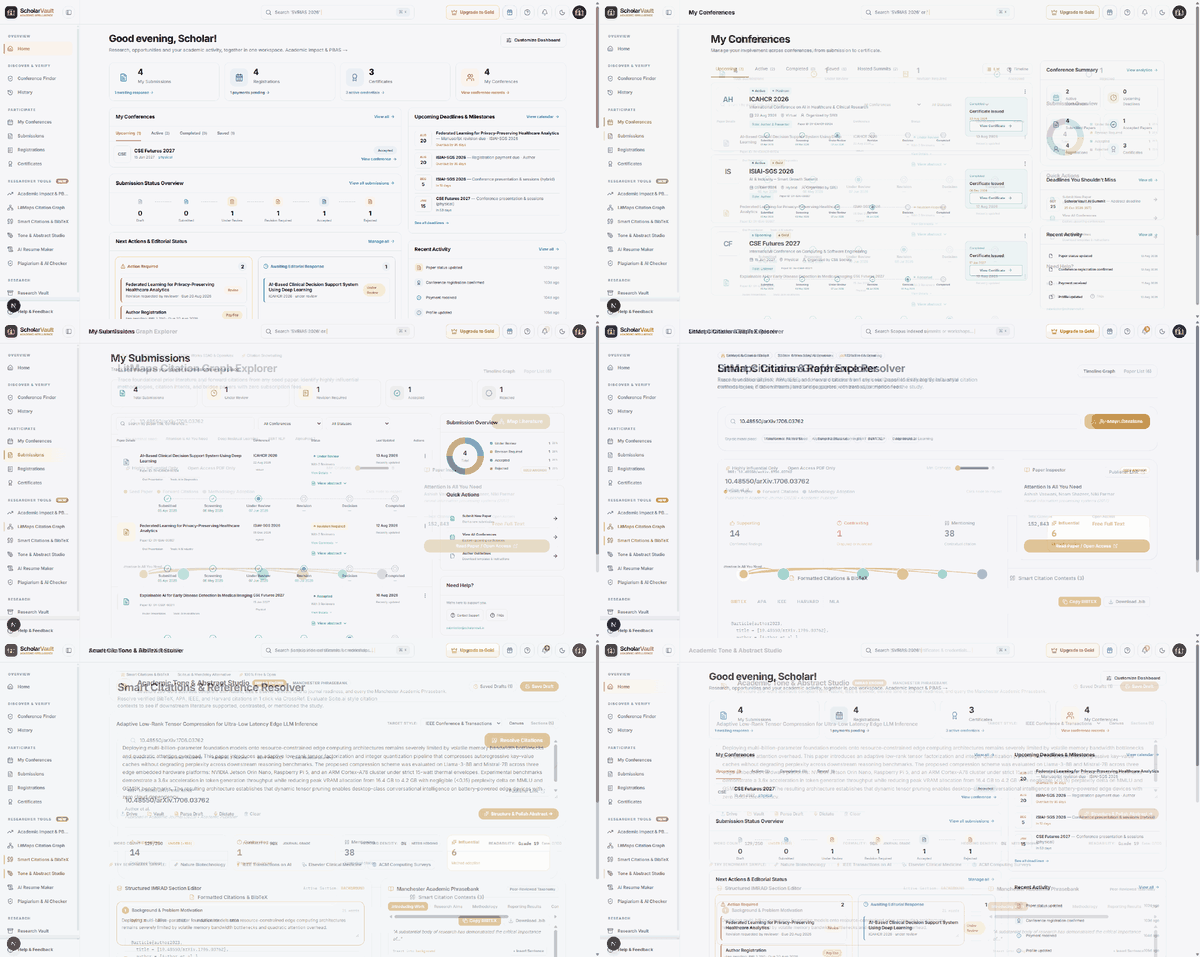
The ecosystem connects these layers while keeping the evidence and responsibility of each record clear.
Researchers, faculty, students, institutions and organisers bring the questions, expertise and work that make the ecosystem valuable.
Documents, publication references and programme information support your understanding. A reference is not automatically a full-text file.
Sources help describe a conference, contribution or credential. Their meaning depends on what was assessed or issued.
Academic events, participation and collaboration create a route from useful information to a next step.
Explore the workflow. Then make it your own. The website explains the work. Your signed-in workspace provides the tools available to your account and role.

It opens in its own window — no browser tabs, no address bar.
Your browser's install dialog appears on the next screen — that is the one that installs the app.