01 · Publication context
Review imported scholarly metadata and confirm the matched author. Citation counts and sources can differ between indexes.
Publication records, presentations, research files and institutional reviews create a continuing responsibility. ScholarVault supports a clearer academic record and a draft portfolio you can review against your institution’s requirements.
Preparing evidence after the fact takes time. Organising the work as it develops gives an institutional review a clearer starting point.
Review imported scholarly metadata and confirm the matched author. Citation counts and sources can differ between indexes.
Keep presentation information, conference references and issued credentials distinguishable from private notes and uploaded documents.
A draft CAS/PBAS portfolio helps assemble your contribution. The institution remains responsible for its rules, assessment and approval.
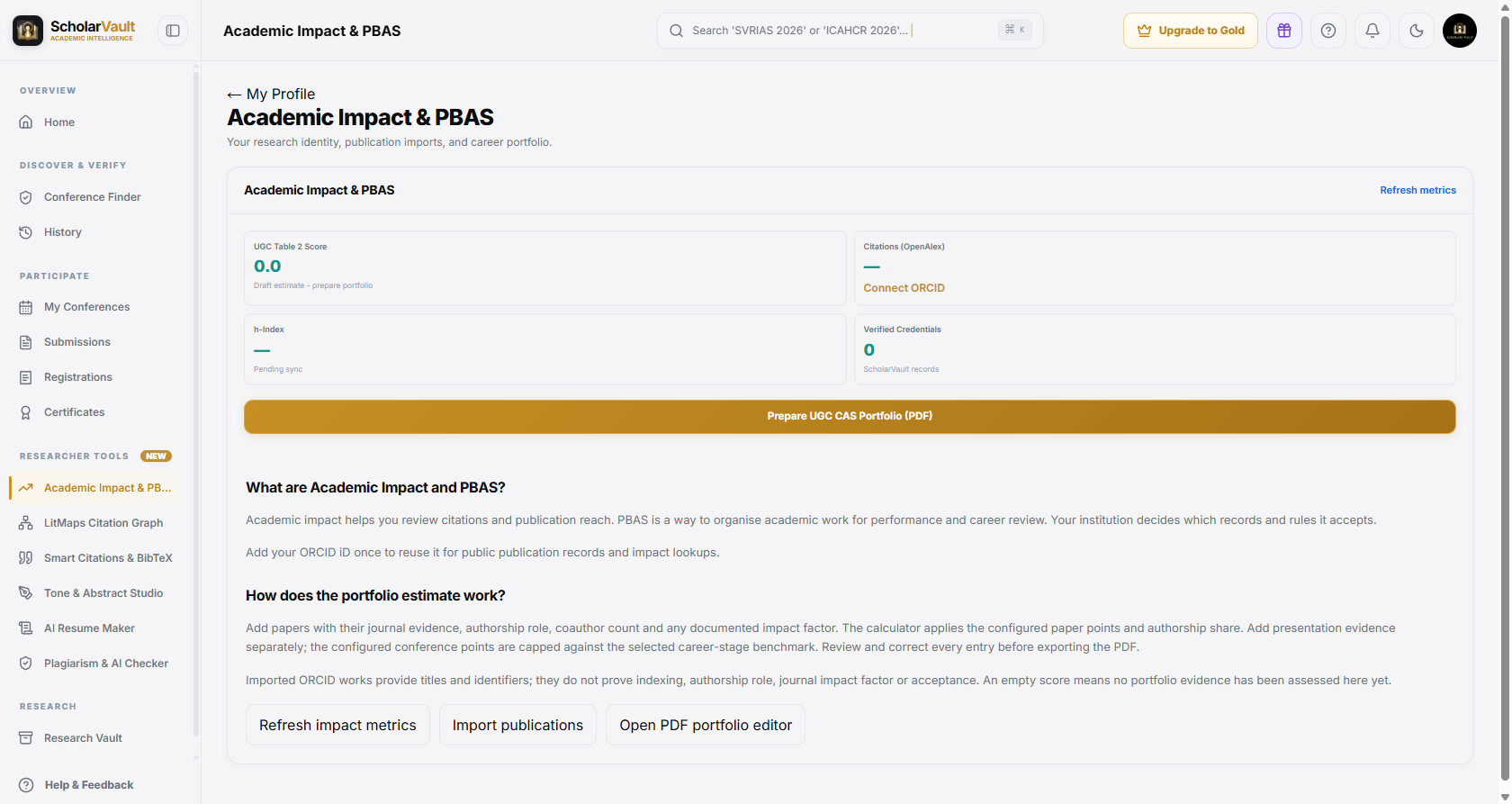
Switch between sample evidence categories and inspect what each entry needs.
Confirm the source and authorship.
Responsible AI in Clinical Research — example record · author identity · publication year · source metadata.
Imports support record preparation. They do not independently verify journal indexing, impact factor or author contribution.
Keep the programme with the contribution.
Research methods presentation — example record · conference edition · presentation role · supporting evidence.
Use the original programme, participation record and relevant credential to describe what took place.
Review the record before exporting.
The portfolio editor supports a configured draft estimate and PDF export. Verify each entry and its evidence against the rules your institution applies.
Use a repeatable process rather than reconstructing your activity from scattered records.
Import supported publication metadata or add the details you need. Check identity matching before relying on metrics.
Use Research Vault to keep supporting material in project context. Private files remain separate from public credentials.
Add paper and presentation evidence, inspect the draft and check your institution’s current requirements.
Prepare the draft PDF for the relevant institutional process. A ScholarVault estimate is not a promotion or eligibility decision.
Give your contribution a clearer record. Explore your account’s academic tools or discuss the workflow your department needs.

It opens in its own window — no browser tabs, no address bar.
Your browser's install dialog appears on the next screen — that is the one that installs the app.