01 · Private documents
The documented workflow supports PDF, DOCX, PPTX and XLSX. Check the file size and account limits shown in your workspace before uploading.
A useful collection remembers the context around your material. Research Vault supports private research documents, project organisation and imported references so you can return to the work behind your next question.
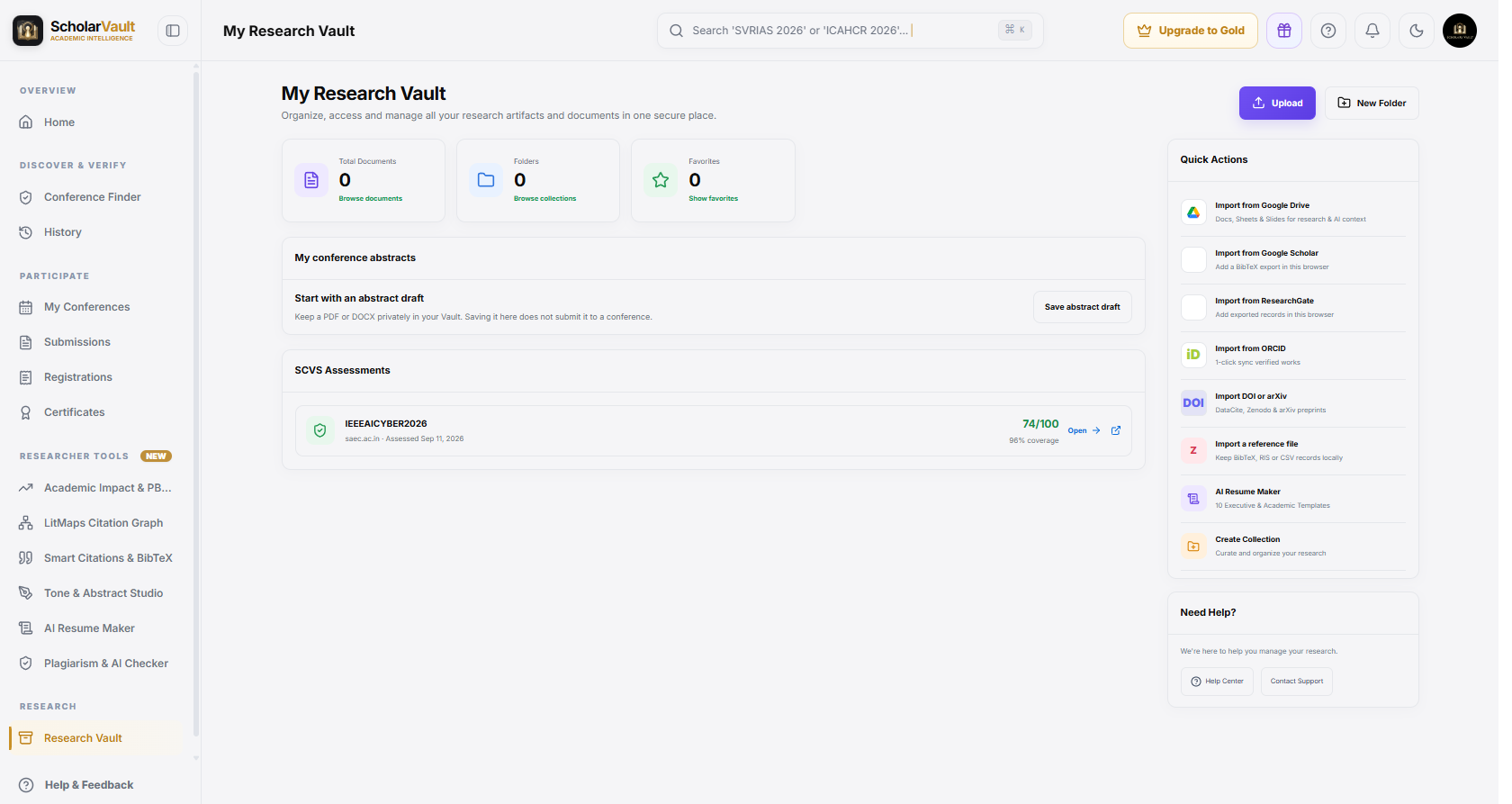
The document you uploaded, the paper reference you imported and the credential you received have different jobs.
The documented workflow supports PDF, DOCX, PPTX and XLSX. Check the file size and account limits shown in your workspace before uploading.
BibTeX, RIS, CSV and public ORCID works describe scholarly records. Importing a reference does not download the full-text paper or establish ownership of its content.
Use a meaningful folder or collection name and searchable titles. Some browser-only records depend on local storage; read the active tool’s storage behaviour.
Move through this local demonstration. It uses fictional material and does not upload or save files to your account.
Responsible AI · Literature review
Research notes.pdf — private document.
Literature references — bibliographic records.
Responsible AI — project context.
Give the collection a question or a piece of work to belong to.
Bring in the documents you can open and the references you can cite.
Group the material so the reason it was collected stays visible.
Use your own material in the signed-in workspace once you understand the record types.
Name the collection around a question or piece of work: a literature review, research proposal or conference presentation.
Upload supported private documents and import supported references. Check each record’s title, source and relevance.
Group material into project folders. Keep bibliographic references distinguishable from documents you can actually open.
Use the title or project context to find material again. Confirm the active tool has saved the record as expected.
Review duplicates and unmatched author metadata. A private collection does not create a conference submission or a public credential.
Check the active workspace message first, then the relevant record type.
Check the supported file type, the size limit shown in your account and the error message. An import form for references is different from a document upload.
A bibliographic import adds a scholarly reference. It does not retrieve the full text or bypass the publisher’s access requirements.
Confirm the source author identifier and matching details. Metadata services may contain ambiguity; check the original record before using it.
No. Use the conference edition’s official submission workflow. Private Vault material and submitted conference records have separate responsibilities.
Contact the ScholarVault Support Team with the tool, the action and the error context. Do not send sensitive research files in an initial support enquiry.
Give your next project a useful home. Start with a collection you understand, then bring the material that supports your work.

It opens in its own window — no browser tabs, no address bar.
Your browser's install dialog appears on the next screen — that is the one that installs the app.